DreamCatcher - Sleep recording1.3.3
Publisher Description
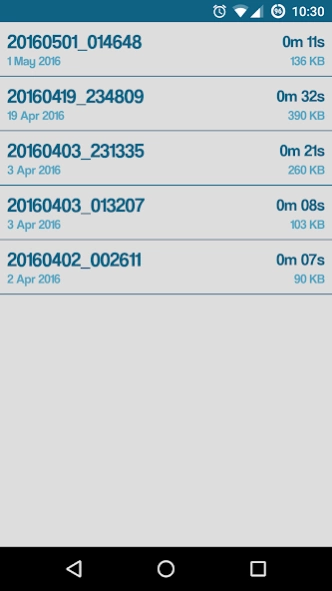
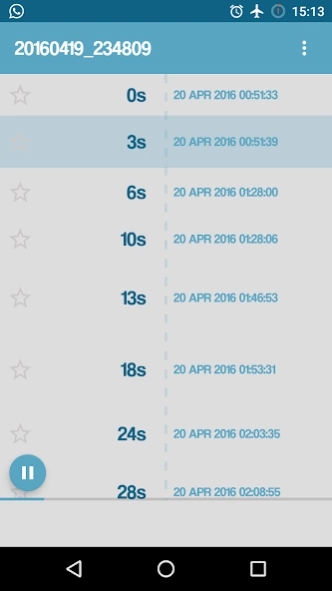
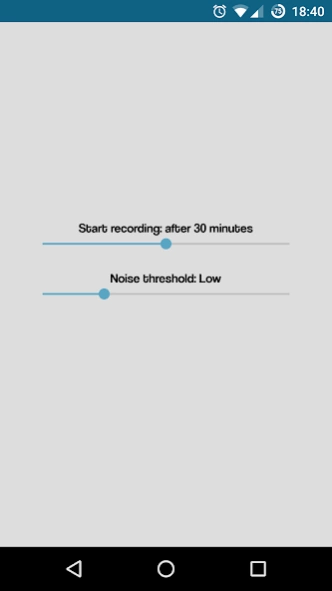
Record your sleep and listen to what you say during the night!
Somniloquy, also known as "sleep-talking", is a disorder present in about half of young people and 4% of adults. It is a disorder that does not alter the sleep quality (probably only the one of those sleeping nearby) but that can be caused by more or less serious external factors.
While sleeping you may say anything: philosophical discourses, wise things, but also meaningless words.
DreamCatcher is an app developed for those who talk in their sleep, and want to know more about what they say involuntarily while sleeping.
What you can do with DreamCatcher:
- record just the sounds which overlap the base threshold
- listen and share your recordings
- know at what time has been recorded each sound
- mark the most important parts of each recording
- delete the useless parts
About DreamCatcher - Sleep recording
The company that develops DreamCatcher - Sleep recording is Massimo Milazzo. The latest version released by its developer is 1.3.3.
To install DreamCatcher - Sleep recording on your Android device, just click the green Continue To App button above to start the installation process. The app is listed on our website since 2017-06-09 and was downloaded 24 times. We have already checked if the download link is safe, however for your own protection we recommend that you scan the downloaded app with your antivirus. Your antivirus may detect the DreamCatcher - Sleep recording as malware as malware if the download link to it.masmil.dreamcatcher is broken.
How to install DreamCatcher - Sleep recording on your Android device:
- Click on the Continue To App button on our website. This will redirect you to Google Play.
- Once the DreamCatcher - Sleep recording is shown in the Google Play listing of your Android device, you can start its download and installation. Tap on the Install button located below the search bar and to the right of the app icon.
- A pop-up window with the permissions required by DreamCatcher - Sleep recording will be shown. Click on Accept to continue the process.
- DreamCatcher - Sleep recording will be downloaded onto your device, displaying a progress. Once the download completes, the installation will start and you'll get a notification after the installation is finished.
Program Details
System requirements
Download information
Pricing
Version History
version 1.3.3
posted on 2017-06-09
- Bug fixing
version 1.2.0
posted on 2016-09-16
v1.2.0:,- Take notes for each recording,- Bug fixing,v1.1.3:,- Bug fixing,v1.1.2:,- Solved recording bug on low memory devices,- Bug fixing,v1.0.2:,- The volume of the recorded audio has been increased,- Bug fixing,v1.0.1:,- Long click on an item while playing allows to share the single file part
